
The Chain That's Slowly Killing Your Classroom
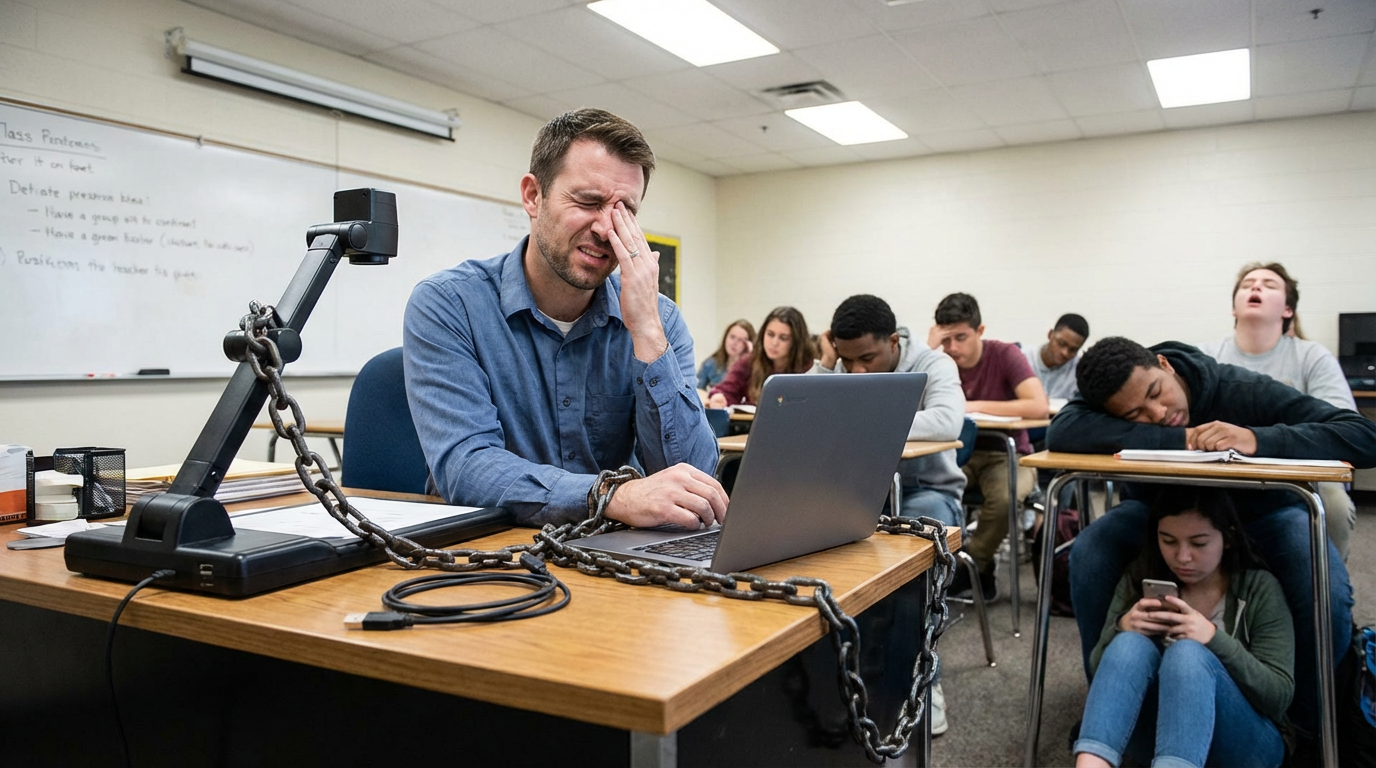
The HoverCam Orbit — wireless, 4K, and completely unchained.
The Chain That's Quietly Killing Classroom Engagement
Your document camera was supposed to help you teach better. Instead, it's keeping you stuck. Here's why — and what to do about it.
There's a moment every teacher knows.
You're mid-lesson. A student in the back row has lost the thread. You want to walk over, check in, redirect. But you can't — because you're sitting behind a desk, one hand on the document camera, eyes glued to the screen to make sure the image is still in frame.
The cord has you. And that 3-foot leash is costing you more than you think.
The Hidden Cost of the Wired Classroom
Researchers who study classroom dynamics have long documented the connection between teacher proximity and student engagement. When teachers move freely around a room — circulating, checking work, offering real-time feedback — students stay more focused, participate more actively, and feel more seen.
But here's the paradox: the very tools designed to enhance instruction — document cameras, AV systems, visualizers — have historically done the opposite of enabling mobility. They've nailed teachers to one spot. Wired document cameras, in particular, are notorious offenders. They demand a fixed position, a cleared desk, a specific cable run to the display. They turn instruction into a performance delivered from a stage.
The result is a classroom where the teacher becomes a talking head at the front, physically separated from the students who need them most.
Sound familiar? Most wired doc cams keep teachers stuck in one spot.
What Happens When Teachers Are Free to Move
Think about what changes when a teacher can walk freely:
Quieter students share their work — instead of the teacher calling on volunteers, the teacher can bring the camera to them, showcasing their work without the intimidation of walking to the front of the room.
Misconceptions get caught in real time — teachers circulating the room spot errors as they're being made, not after the test.
Group work becomes visible — a teacher can sweep through group tables, livestreaming what each group is building, creating a gallery walk without anyone leaving their seat.
Classroom management improves naturally — proximity is one of the most powerful behavioral tools in a teacher's kit. A teacher who can move freely uses it constantly and effortlessly.
This isn't speculative. Edutopia reports that when teachers at high-performing schools used document cameras to live-model thinking while circulating, student engagement was — in the reporter's words — "palpable." The document camera didn't hinder them. It amplified them — but only because it wasn't tethering them.
The Problem Isn't the Camera. It's the Cord.
Most document cameras on the market today are still fundamentally wired devices. They stream over USB or HDMI to a host computer. That cable — no matter how long — defines the boundary of where a teacher can teach.
Some "wireless" solutions exist, but they come with their own chains: they hop onto the school's Wi-Fi network (a security nightmare), require driver installs (an IT nightmare), need app configuration (a teacher nightmare), or suffer lag and dropped connections that make live teaching feel like a gamble.
So teachers are stuck choosing between freedom and reliability. Until now.
The Orbit: Unchained Teaching
The HoverCam Orbit is the world's only truly plug-and-play wireless USB + HDMI document camera — built from the ground up to give teachers genuine freedom of movement, without sacrificing anything.
Here's what makes it different:
🔗 Wireless That Actually Works
Orbit uses a proprietary wireless link between the camera and a small dongle that plugs into your PC, Mac, Chromebook, or IFP display. The computer sees it as a local USB device — as if a wire were running invisibly across the room. Plug it into your computer via USB or straight into your IFP via HDMI — and just teach, from anywhere in the room.
🔒 Not On Your Network
Orbit never touches your school's Wi-Fi network. It operates on an isolated, encrypted, closed-loop link.
⚡ Easy Setup.
Step 1: Plug the dongle into your computer or display. Step 2: There is no Step 2. No drivers. No passwords. No software installs. No calls to IT.
🎥 Pro-Grade Image Quality
A 13-megapixel sensor, 4K resolution at 60fps, 800x total zoom, and patented Adaptive Sensor Resolution (ASR) technology mean what you show is crisp, readable, and visually compelling.
🔋 All-Day Battery
A 9,800 mAh integrated battery keeps you teaching all day long on a single charge.
What the Unchained Classroom Looks Like
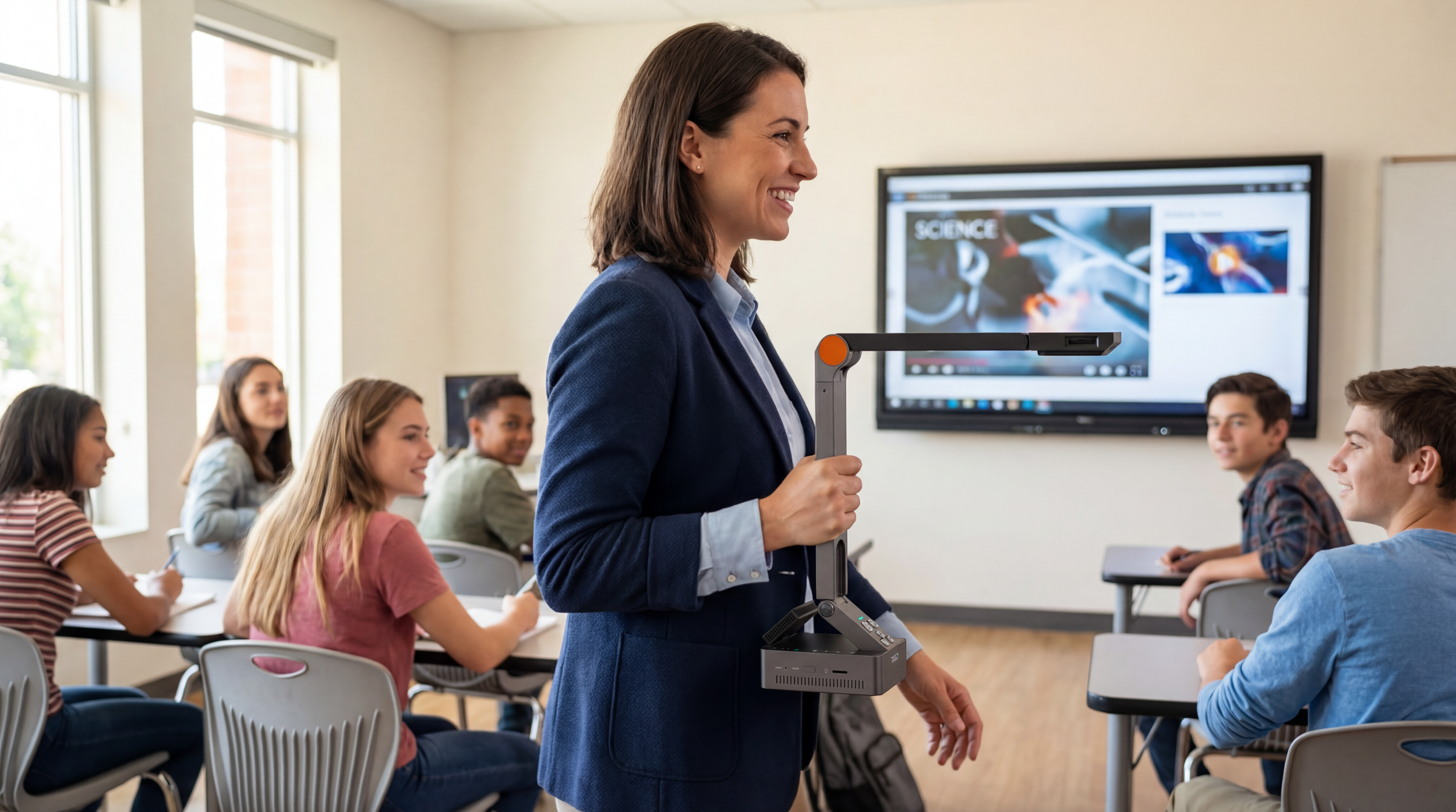
Imagine this: You're teaching a writing lesson. You pull out your Orbit, open it in two seconds, and start walking the room. You stop at a student's desk, hover the camera over their paragraph, and instantly — wirelessly — it appears on the classroom display. You celebrate what they did well. Students chime in with feedback. The student beams.
Then you cross to the other side of the room. Same thing. No wires followed you. No cart moved. Nothing was unplugged. You just... taught.
That's the unchained classroom. And the Orbit makes it real, today.